Building a Student Performance Dashboard Without a Paid Analytics Platform
Split student dashboards into three layers: data collection, visualization, and gap detection.
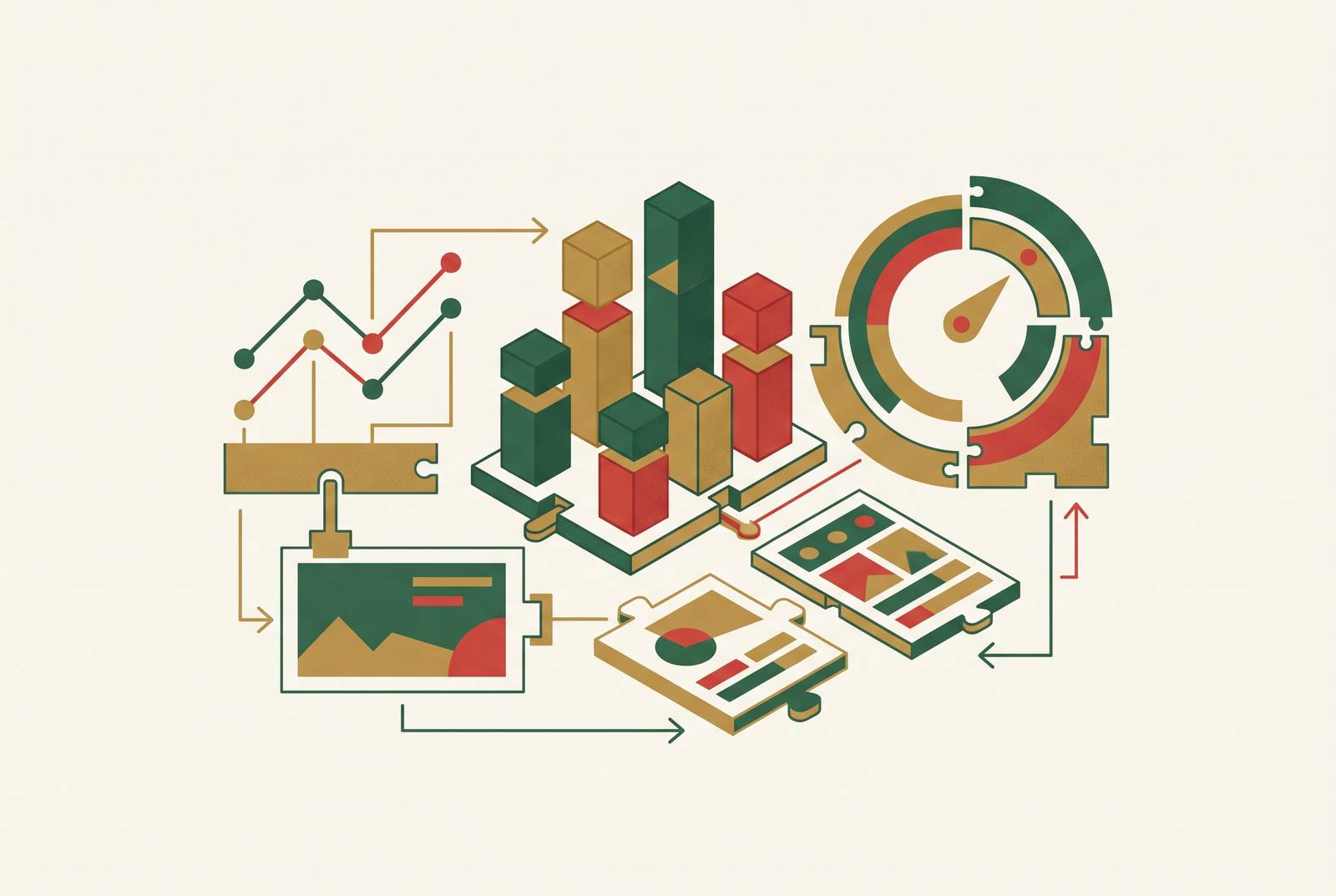
This guide walks through how to build a student performance dashboard without paying for an enterprise analytics platform, and the trick is treating it as three separate layers instead of one big file. Most teachers who try to build a tracking tool on their own end up with the same thing: a spreadsheet with a few charts bolted onto the side. It looks like a dashboard. It does not act like one.
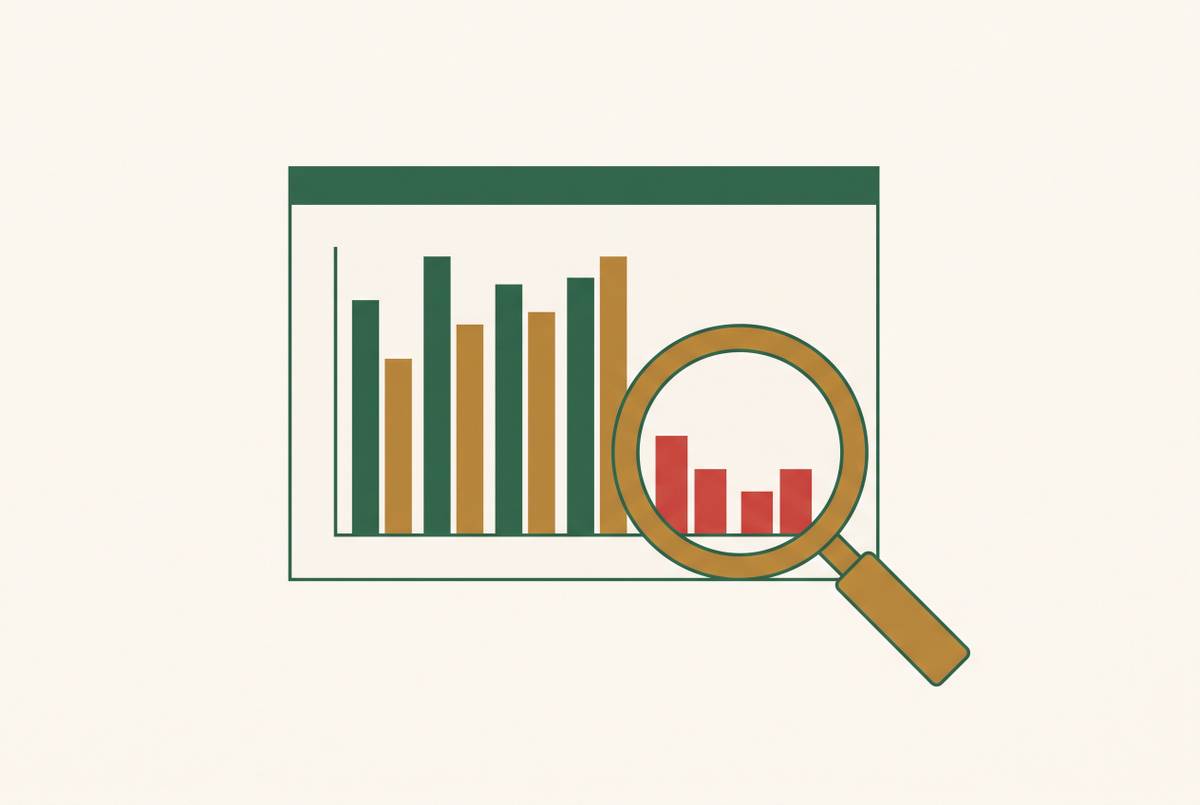
A spreadsheet answers "what happened?" A dashboard answers "what should I do next?" Those are different jobs, and a single sheet usually can't do both at once. Without some kind of plan going in, data collection, visualization, and gap detection all get smushed into one tab, and each one makes the others worse: messy data breaks the charts, and charts with no diagnostic layer behind them just tell you who's struggling without ever saying why.
The push to build something is real. Schools increasingly want dashboards that give teachers, administrators, and parents a quick read on grades, attendance, behavior, and learning outcomes. Most of the tools built for that live inside paid enterprise platforms that plenty of schools can't afford. So teachers improvise. And improvising without any kind of framework tends to produce something that's hard to keep up and easy to misread three weeks later.
A dashboard that actually works has three distinct layers, each handling a different job, built in a specific order: data collection, visualization, and gap detection.
What the three layers are
A free student performance dashboard is three stacked functions, and building them in the wrong order is exactly how teachers end up with a spreadsheet with charts bolted on.
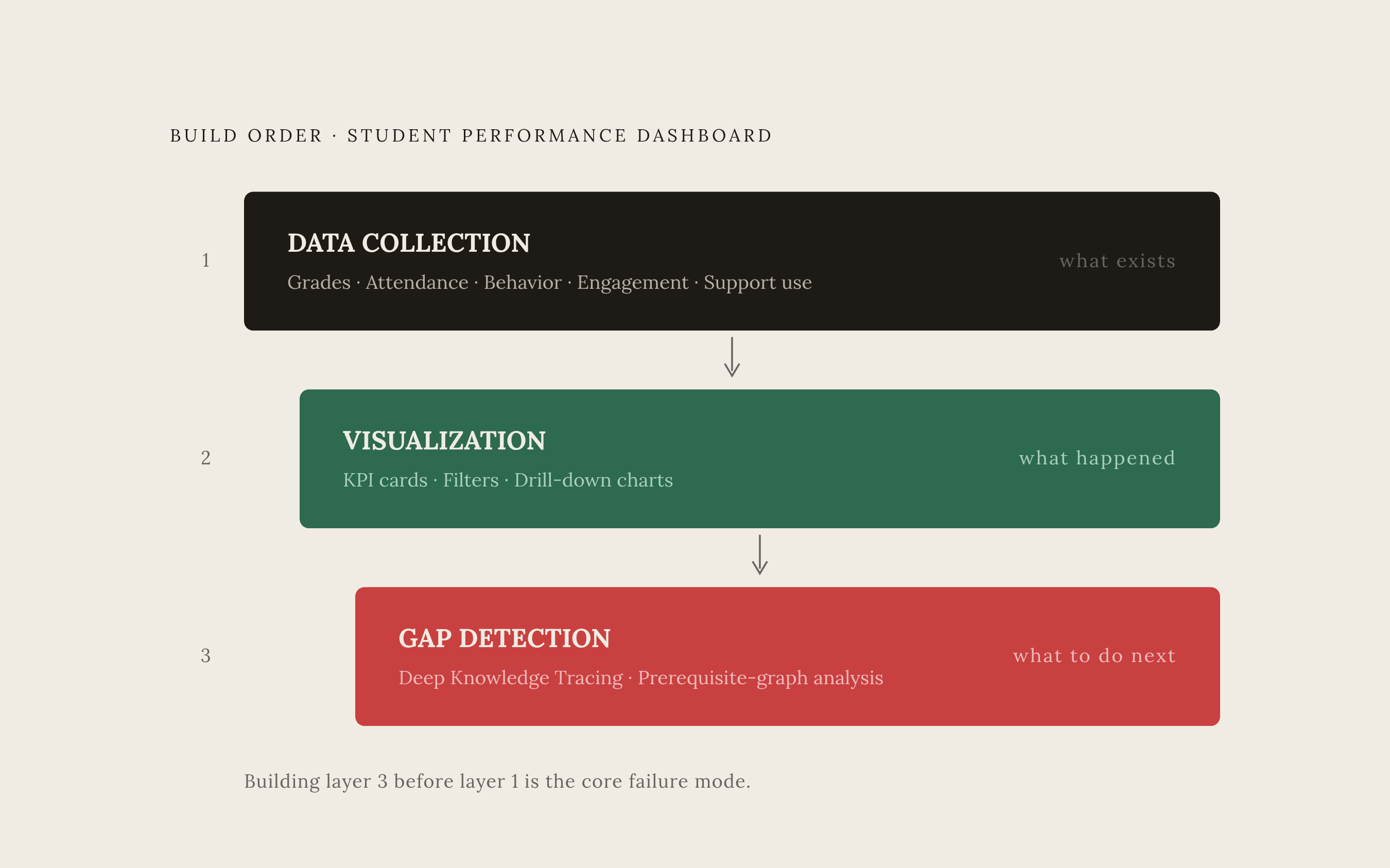
Layer 1 is data collection: gathering and organizing grades, assessment scores, attendance, behavior incidents, and engagement signals. Everything else has to read from this foundation. Layer 2 is visualization: turning that structured data into charts, filters, and KPI cards a teacher can scan across a whole class and then drill into one student. Layer 3 is gap detection: feeding the patterns from the visualization layer into an analytical or AI-assisted process that identifies not just who scored low, but the specific concept they're missing that's causing the low score.
Order matters here the same way it matters when building a house. You don't put up walls before the foundation is poured, and you don't add a roof before the walls hold weight. Visualization built on messy data produces charts that quietly lie to you. Gap detection with no visualization behind it produces findings with no context, so a teacher has no way to act on them. And collecting data with no plan for how it'll be visualized later just produces a bunch of fields nobody ever opens again.
Every layer in this stack can be built for free, which should be reassuring. Open-source tools and free-tier AI products now cover functions that used to require a paid enterprise license. That's what the rest of this guide walks through, layer by layer.
Data collection and structure
Most teachers fail at Layer 1 because the data gets collected in a shape that no visualization tool or gap-detection process can actually read, not because they lack data.
Start with what to track. A solid student performance dashboard covers academic grades across subjects, including how those grades are distributed and how they trend over time. It covers assessment scores on quizzes, tests, and exams, broken down by assignment type rather than flattened into one average. It covers attendance rates and tardiness patterns, behavior incidents and disciplinary records, and engagement signals like assignment completion, class participation, and how often a student interacts with course materials. It covers progress toward specific learning goals and mastery of individual skills, beyond just a final grade. And it covers who's using support services: tutoring, counseling, intervention programs, so a teacher can see whether the help that's available is actually reaching the students who need it.
The structure behind the data has to hold up, or none of it matters much. Every entry should carry, at minimum, four tags: subject, assignment type (exam, quiz, homework, or project), date, and score. That's the exact field structure the Craft student dashboard template uses right out of the box, and it's a good baseline whether or not a teacher ends up using that specific tool. Consistency beats completeness early on. A spreadsheet with four fields filled in the same way every time beats a spreadsheet with twenty fields filled in differently depending on who entered the data that week.
Study hours, home internet access, school absences, and parental education level all show documented links to student outcomes, so they're worth capturing beyond the obviously academic if the long-term goal is spotting patterns before they become problems. These aren't extra fields someone invented for this guide. Study hours, internet access, absences, and parental education are native attributes inside the UCI Student Performance benchmark data itself, which a reference implementation built by a developer known as bhedheerbhushanjain-svg uses as-is, without adding anything on top.
None of this requires software to start. A plain spreadsheet with those fields, filled in with intention, counts as a real Layer 1. The goal at this stage isn't sophistication, but making sure the structure is something someone decided on, rather than something that just happened by accident over a semester.
For teachers who'd rather skip the spreadsheet entirely, the Craft student dashboard template offers a zero-configuration starting point. It's freely licensed for open use, built with a modern web framework, and needs no database and no coding to use. Data stays inside each user's own private Craft workspace, and because the code is open source, any coding agent can customize it further down the line.
The core problem this layer solves mirrors something exam-prep tools run into constantly: without a clear plan for what the data means and how someone's going to act on it, you end up with raw information instead of anything useful. Platforms like Passionfruit Learning split the job in two, tracking which questions a student gets wrong separately from diagnosing why they got them wrong, the same layered thinking that makes a classroom dashboard worth building.
Layer 2: turning structured data into a readable visualization without a BI license
A visualization layer only earns its keep if a teacher can scan an entire class at a glance and then zoom into one student, without needing to know SQL or call in a data analyst. A handful of free tools now clear that bar.
A working visualization layer needs to show live KPI cards, things like cohort size, mean grade, passing rate, and how many students currently count as at-risk, and those numbers need to update as new data comes in rather than sitting frozen from whenever the sheet was last touched. It needs filtering that actually works in real time: by school, gender, age range, study time, past failures, internet access, whatever subgroup a teacher needs to isolate in the moment. And it needs charts that go somewhere: grade distributions, attendance trends over the semester, correlation heatmaps showing which variables move together, and the ability to click from a cohort-wide view down into a single student's profile.
InetSoft StyleBI is open source and free to run. StyleBI combines a data transformation pipeline with a visualization engine, delivered as a Docker container, so a school's IT setup doesn't need much beyond a place to run that container. It's drag-and-drop, with no SQL required, and it supports both desktop and mobile formats, plus built-in scheduling for static reports that go out automatically. For a school that wants something web-based and accessible from any device without installing anything locally, it's a reasonable fit.
The honest caveat here is that free tiers across this category cap how much data they'll handle and offer fewer integrations than the paid platforms built for district-wide rollouts. For a whole school district trying to run one unified system, that limit matters. For a single classroom or a department-level dashboard, a free tier is usually plenty.
One design principle holds across every tool in this category: the dashboard needs to support drilling down from cohort, to subgroup, to individual student. A dashboard that only shows aggregate numbers tells a teacher that a class average dropped. It doesn't tell them which student dropped it, or why. And that question, the why, is exactly where visualization runs out of road.
Even the best chart in the world shows where students are struggling. It doesn't explain what's actually breaking down underneath the surface, and that's the question Layer 3 exists to answer.
Layer 3: detecting knowledge gaps rather than just flagging low scores
A low score is a lagging indicator. A student failing a unit test on AP Calculus today might actually be stuck on a geometry or algebra concept from two or three years earlier, and a dashboard that only reports the score shows the symptom without ever naming the cause. That's the gap between a dashboard that's genuinely useful and one that's just a fancier gradebook: can it find the specific knowledge breakdown driving a low score, or does it stop at the score itself?
The academic mechanism that makes this possible is called Deep Knowledge Tracing, or DKT. In plain terms, it uses neural networks to watch the sequence of things a student gets right and wrong over time, builds an evolving picture of what that student actually knows, and predicts how their mastery of specific skills is likely to change. That sequential view is what lets a system catch a prerequisite gap a teacher would otherwise never notice buried under a single bad test score.
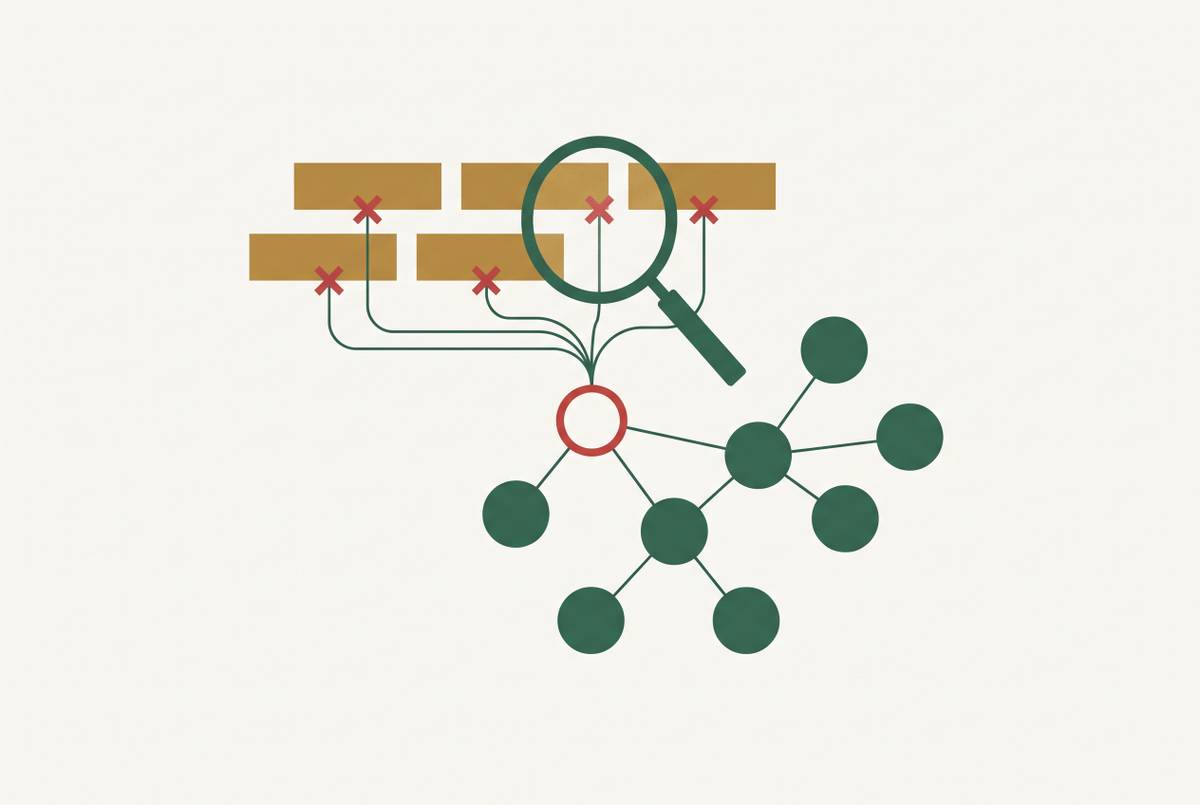
Prerequisite graph-based approaches push this a step further. These map out how the concepts in a subject depend on one another, so when a student fails, the gap-detection system can trace that failure backward through the graph to the earliest concept that's actually missing, instead of just flagging the most recent wrong answer.
None of this should be treated as a replacement for a teacher's judgment, and it's worth being direct about that. Automated feedback systems work best when a human reviews AI-generated assessments before students ever see them. Gap detection is a diagnostic aid. Building a human reviewer into the process isn't an optional nice-to-have; it's a design requirement, and any system that skips it is cutting a corner that matters.
A second risk deserves equal attention: AI tools that do the thinking on a student's behalf can quietly erode the practice that builds durable skill. A gap-detection layer should point a teacher toward targeted practice for that specific student, not hand the student an answer that skips the work of actually learning it.
This layer separates a real dashboard from a gradebook with extra steps. Reporting a score is easy, but explaining the concept underneath it is the hard part, and that determines whether a teacher can actually do something with what the dashboard shows them.
Where AI grading and practice tools slot into the three-layer stack
AI tools don't replace any of the three layers described above. Better data going into Layer 1 and richer gap signals at Layer 3, compared to what manual grading alone can produce across a whole class, are where their value appears.
At Layer 1, AI grading tools can read free-response answers and return structured feedback: whether the approach was right, where a step went missing, or what specific misconception shows up in the work. That kind of structured output is far more useful as dashboard input than a bare number. The same rule from Layer 3 applies here too: a teacher reviews and adjusts before anything gets recorded. The AI drafts the feedback. The teacher confirms it.
At Layer 3, AI practice platforms earn their place by generating something a single test score never could: sequential data on which skills a student retrieves correctly, which ones they get partially right, and which ones they miss. That stream of interaction data is exactly what DKT and prerequisite-graph methods need to work, and it's a far more reliable signal than one quiz grade at the end of a unit.
This three-layer framework, collect the data, surface the patterns, then dig into the specific gaps underneath, echoes the same progression that shapes modern exam-prep platforms. Gather structured signals first, make the patterns visible to a teacher, then go past the raw scores to find the actual concept gap. Each layer does one job instead of all three getting tangled together, in roughly the same way Passionfruit Learning keeps performance tracking separate from diagnostic feedback rather than merging the two.
Passionfruit's skill mastery tracking is a useful concrete example of what Layer 3 input can look like in practice. Its homepage shows tracked skills broken down individually, u-Substitution at 78%, Riemann Sums at 65%, the Fundamental Theorem at 91%, which is already organized by prerequisite skill rather than by test date. That structure feeds naturally into a prerequisite-graph gap-detection model, because the skill breakdown is already there instead of needing to be reconstructed after the fact.
Assessment data built with this kind of diagnostic intent from the start makes a very different question answerable. Instead of just asking whether a student passed, a teacher can ask which specific concepts actually drove the low score, and that's only possible when the underlying data was structured to support drill-down from the beginning, not bolted on after the dashboard was already built.
On subject coverage, Passionfruit works across AP Calculus AB and BC, AP Biology, AP Physics 1, AP Computer Science A, and SAT prep, with more than 15,000 multiple-choice questions aligned to AP style and difficulty, along with free-response question practice. One AP Computer Science A teacher in California has described a noticeable lift in student engagement after bringing it into the classroom, which lines up with the broader pattern of students and teachers reporting more confidence heading into exams.
None of this erases the need for the first two layers. A gap-detection tool, AI-assisted or not, still needs clean structured data to read and a visualization layer that puts its findings in front of a teacher in a form they can actually use. What AI grading and practice platforms add is depth at the two ends of the stack: better data going in, and sharper, more specific gaps coming out, the reason the three-layer approach is worth building.